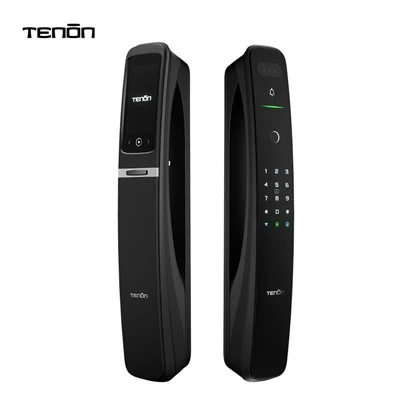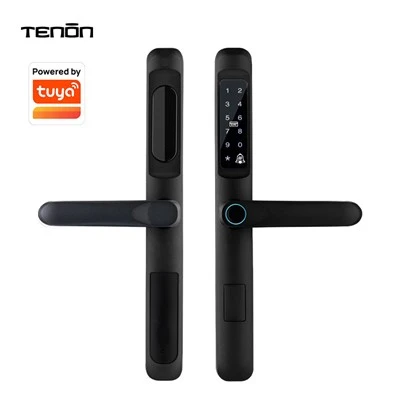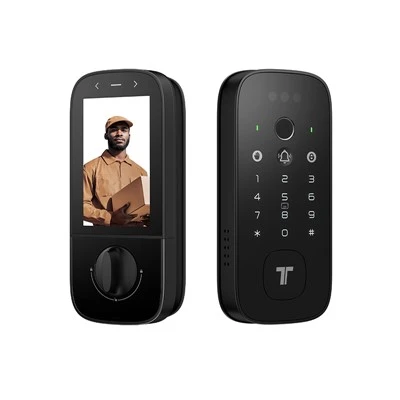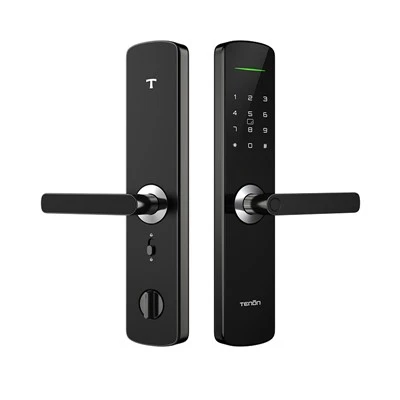

Fingerprint Unlock: Most smart locks are equipped with biometric recognition, the most common being fingerprint recognition. Simply place your finger on the fingerprint reader and wait for the system to recognize it to unlock. If fingerprint recognition fails, you can try other unlocking methods.
Password Unlock: You can choose to set a password unlocking method. Typically, a password consists of 6-12 characters of numbers and letters. When setting a password, you can choose whether to set a repeating password according to your needs.
Card Unlock: Smart locks usually also come with an electronic card. You can insert the card into the card slot to unlock. Some cards can also be used as keys for your convenience.
Remote Unlock: If you cannot reach the door, you can unlock it remotely via a mobile app. Typically, the smart lock and the mobile app can connect wirelessly via Bluetooth, WiFi, or other communication technologies.